The chicken-and-egg problem of character LoRAs: where do the training images come from?
UPDATED 6 OCTOBER 2026
SHORT ANSWER
Training a character LoRA is the easy part: plenty of services will do it in minutes. But all of them expect you to bring the images — 25–35 pictures of the same person with lots of variation. For yourself or someone who agreed, that means a photo shoot. For a fictional character it's a chicken-and-egg problem: you need consistent images to train the LoRA, and you would need the LoRA to make consistent images. The way out is to fix the identity before the LoRA exists — a designed face and body as references from several angles — and generate the varied set from those references.
Training is easy — the data is the problem
A LoRA is a small add-on that teaches an image model one specific person. Training one has become a commodity: upload a ZIP, wait a few minutes, done. What every trainer needs is the same: a set of good images of one person — sharp, consistent, and varied in angle, framing, outfit, place and light.
That requirement is where most people get stuck. The trainer can't create the person for you; it can only learn from what you give it.
The chicken-and-egg loop
If your character is a real person, the images exist or can be taken. If your character is invented — an AI influencer, a story character, a brand persona — there are no photos. So you try to generate them, and run into the loop:
- To train a LoRA, you need 25–35 images of the same person.
- To generate images of the same person, you need something that keeps the identity fixed.
- The thing that keeps an identity fixed across many images is… a trained LoRA.
Why the usual workarounds fall short
- Prompting the same description 30 times: a prompt describes a type, not a person — every image shows a slightly different face.
- Editing one image again and again: each edit changes the face a little, and the drift adds up. After a dozen edits you have a relative, not the same person.
- Face-swapping onto stock or found photos: lighting and skin rarely match, and you take on the rights questions of every base image.
- Bootstrapping: train a weak LoRA on a handful of images, generate more, keep the best, retrain. It can work, but it takes many rounds, and the first images' flaws get baked in.
With a real person: a photo shoot, and consent
If the character is you, or someone who agreed, the classic route is photos: many outfits, places, light situations and angles — essentially a full photo shoot. Some platforms also learn an identity directly from around 20 photos, but the trained identity often stays inside that platform. Either way you need the person's consent, and you can only make people who exist.
The way out: fix the identity before the LoRA exists
The loop breaks if something other than a LoRA keeps the identity fixed. That something can be a set of reference images:
- Design the face once and get it from the front, three-quarter and profile.
- Define the body once, from the front, side and back.
- Generate every image of the dataset from those same references — never from the previous image — and describe only what changes: place, outfit, light, pose.
- Curate: keep the sharp, on-model images; drop anything that drifted.
- Train the LoRA on the result. Now you have both: the dataset and the model.
The ways compared
| PHOTO SHOOT OF A REAL PERSON | BOOTSTRAPPING A LORA | DESIGNED REFERENCES | |
|---|---|---|---|
| Works for a fictional character | No | Yes | Yes |
| Consistency of the identity | High | Grows slowly over rounds | High from the first image |
| Variation (places, outfits, light) | As much as you shoot | Limited at first | As much as you describe |
| Consent needed | Yes | Depends on the source images | No real person involved |
| Effort | A full photo shoot | Many training rounds | Design once, then generate |
Consent and rights
- Only use photos of a real person if they agreed — in many countries a person's likeness is protected by law, and most tools require consent in their terms.
- A designed character avoids this question, as long as you don't deliberately recreate a real person's face.
- For commercial use, check the terms of every tool in your chain: the generator, the trainer and the model.
Where Facet fits
Facet is built for exactly this step — the dataset before the LoRA. You sculpt the face in a 3D editor, give the person a body from a clay figure, and Facet generates the photo set from those fixed references: close-ups, half-body and full-body shots in the places, outfits and light you choose. You keep the good ones and download a ZIP with captions, ready for any LoRA trainer.
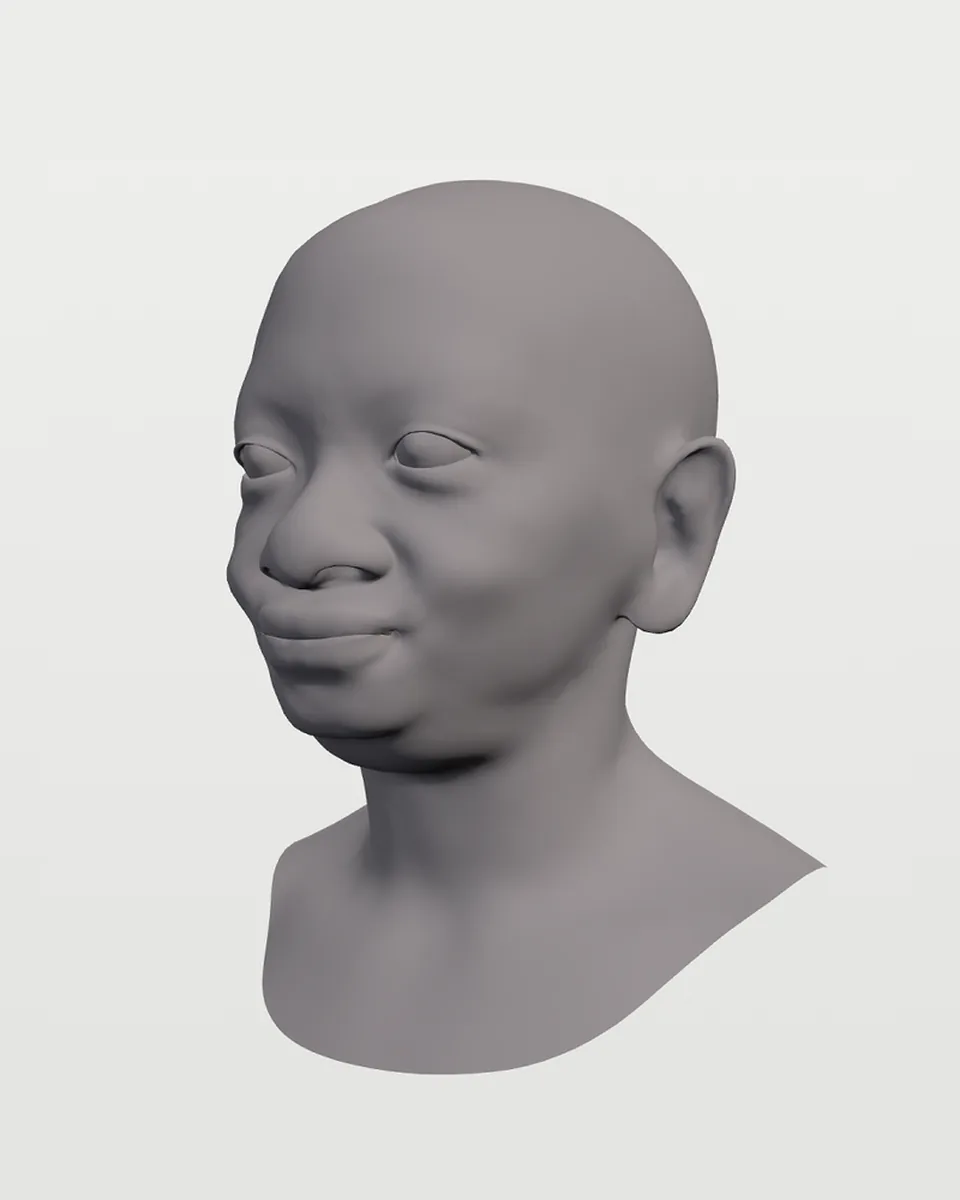 3D HEAD
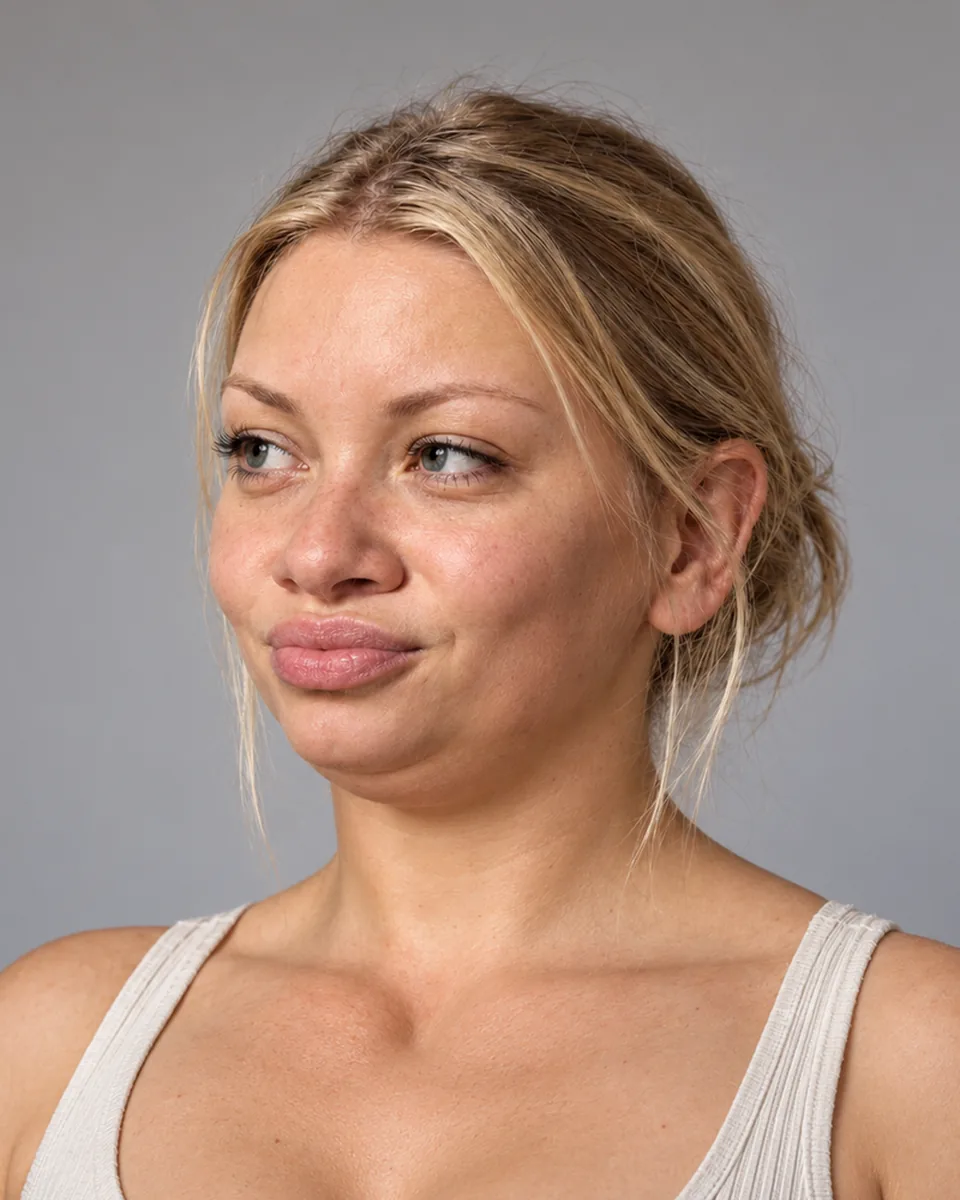 RENDERED FACE
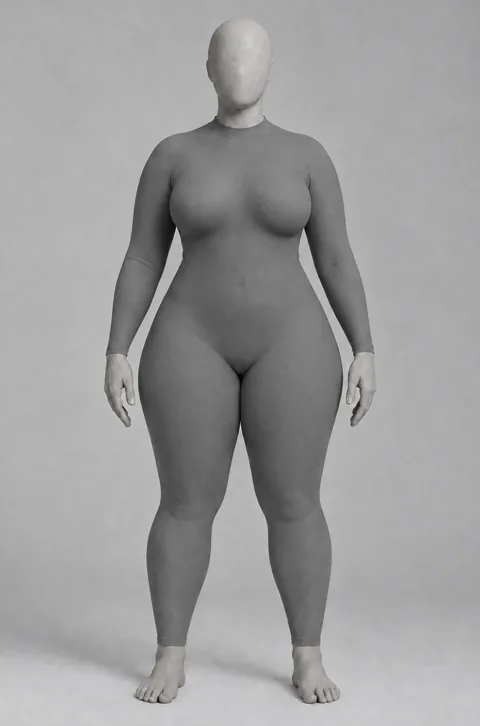 CLAY BODY
 PHOTO SET
QUESTIONS
- Why can't I just prompt the same character 30 times?
- Because a prompt describes a type of person, not one person. Each generation picks a new face that fits the description, so the images don't show the same person.
- Can I train a LoRA from a single image?
- Some people try, but a LoRA trained on one image rarely generalises to new angles and settings. You need varied images of the same person — 25–35 is a good target.
- Is face-swapping onto stock photos a good shortcut?
- It rarely looks right — light and skin don't match — and you take on the rights questions of every base image. Generating from fixed references avoids both.
- Do designed characters look as real as photos?
- They can. Realism comes mostly from the image model and the prompt — natural skin, real light — not from whether the person exists.
Try it with your own character
Sculpting faces is free, and new accounts start with 6 free credits — enough for your first render.
Create free account