How to build a LoRA training dataset for a character
UPDATED 6 OCTOBER 2026
SHORT ANSWER
Use 25–35 sharp images of the same person: roughly 40 % close-ups, 30 % half-body and 30 % full-body shots, from several angles, in different places, outfits and light. Give every image a caption that starts with a unique trigger word and describes what changes — clothing, setting, light, pose — not the person's identity. Remove anything blurry, duplicated or off-model before you train.
How many images
For one character, 25–35 images are a good target. Fewer can work if they are excellent; more only helps if they add variety. Quality beats quantity: 25 clean images train a better LoRA than 40 mixed ones.
The right mix of shots
- About 40 % close-ups (head and shoulders) — this is where the face is learned.
- About 30 % half-body and 30 % full-body shots — so the model learns the build and proportions too.
- Several angles: front, three-quarter and profile; a few from behind for full-body shots.
- A range of expressions: neutral, smiling, laughing, serious.
Variety, so the LoRA learns the person — not the outfit
Whatever stays the same in every image, the LoRA learns as part of the character. If she wears the same sweater in all pictures, the sweater becomes part of her.
- At least three different places, three outfits and two light moods (for example daylight and warm evening light).
- Vary backgrounds and framing; avoid near-duplicates.
- Keep only one thing constant: the person.
Image quality
- At least 1024 pixels on the short side.
- Sharp eyes — in full-body shots, check the face at 100 % zoom.
- No text, watermarks, heavy filters or frames.
- The look you train is the look you get: if the skin is glossy and retouched in the dataset, it will be in the results too. Natural skin texture in the training images pays off.
Captions and the trigger word
- Pick a unique trigger word that is not a real word or name, for example mxl4ra. It becomes the switch for your character.
- Start every caption with the trigger word, followed by what changes: framing, angle, expression, outfit, place and light.
- Don't describe the fixed identity (eye shape, face shape) — that is what the trigger word should carry. If you do mention a trait such as hair colour, mention it the same way in every caption.
- Save each caption as a .txt file with the same name as its image: 001.jpg and 001.txt.
mxl4ra, a woman, close-up portrait, three-quarter view, smiling, red knit sweater, cozy kitchen, warm evening light
Common mistakes
- Images where the face drifts — one off-model image can pull the whole LoRA.
- Blurry or tiny faces in full-body shots.
- The same outfit or background in most images.
- Inconsistent captions — describing hair colour in some captions but not others.
- Too many near-identical close-ups.
File format
Pack the images and captions into one ZIP: 001.jpg with 001.txt, 002.jpg with 002.txt and so on. This format works with common trainers — hosted ones like fal's Z-Image and Flux trainers as well as AI Toolkit or kohya on your own GPU.
How Facet builds the dataset
The Character Creator turns this checklist into a few choices. You pick places, outfits, light, expressions and poses; Facet spreads them over close-ups, half-body and full-body shots, rotates angles and combinations, and warns when the set lacks variety. Every photo is generated from the same body and face references. You keep the photos you like and download a ZIP with images and captions that start with your trigger word.
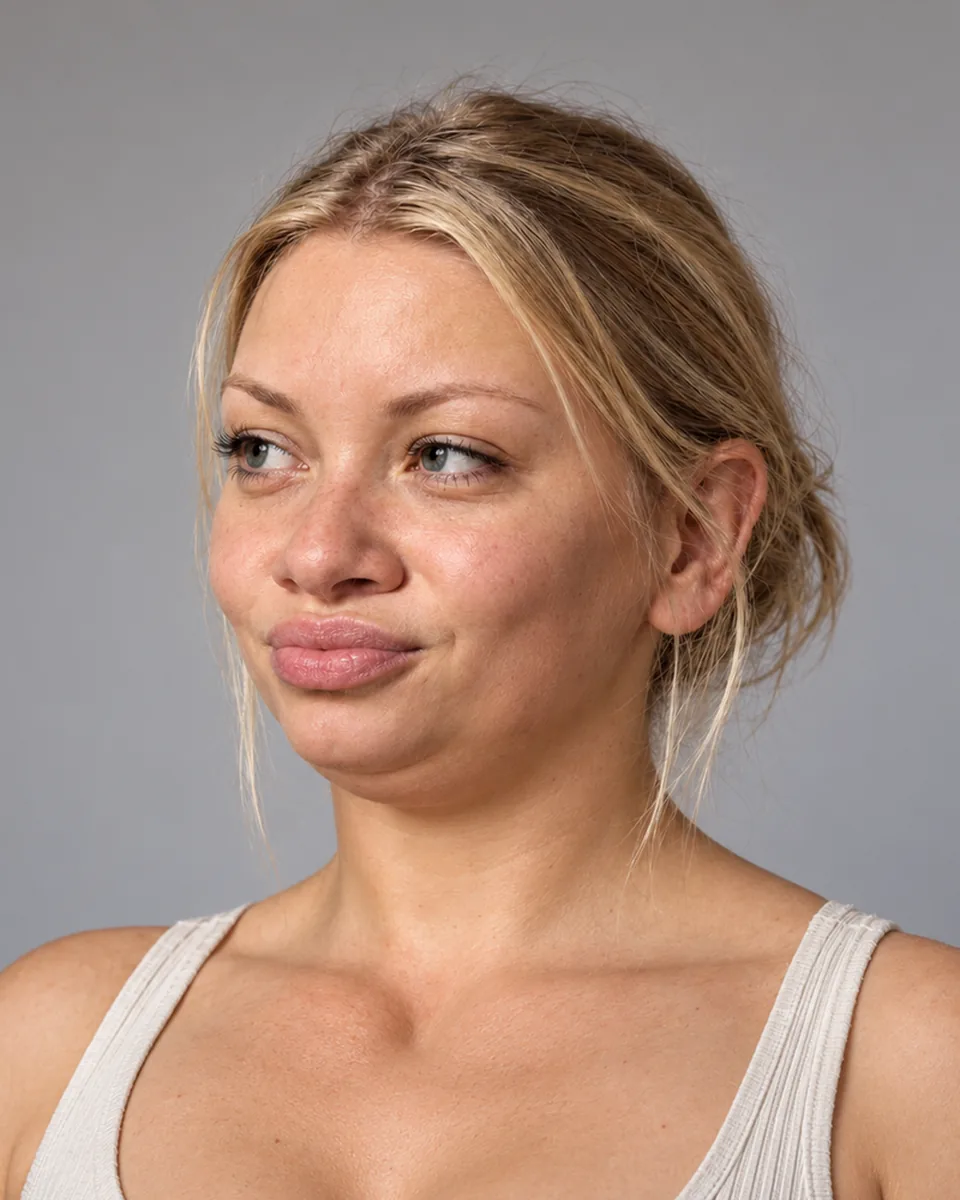 RENDERED FACE
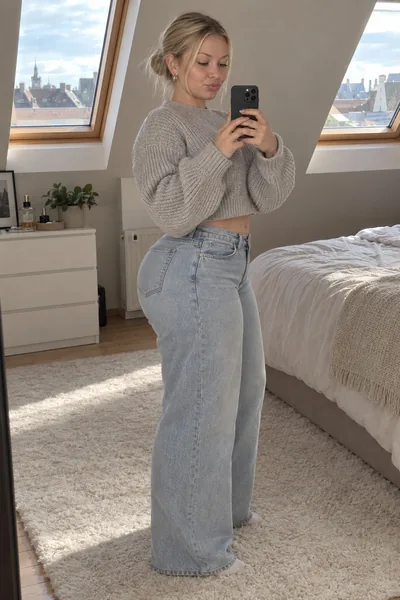 PHOTO SET
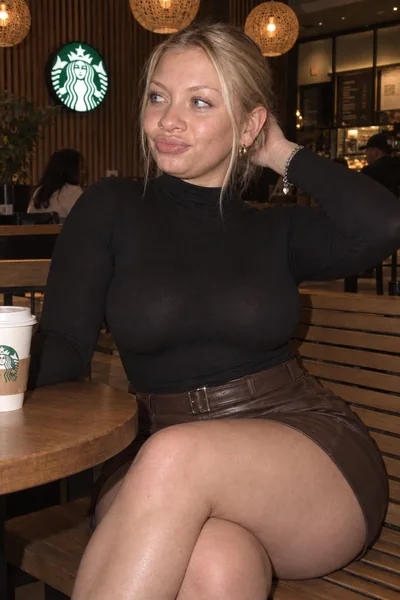 PHOTO SET
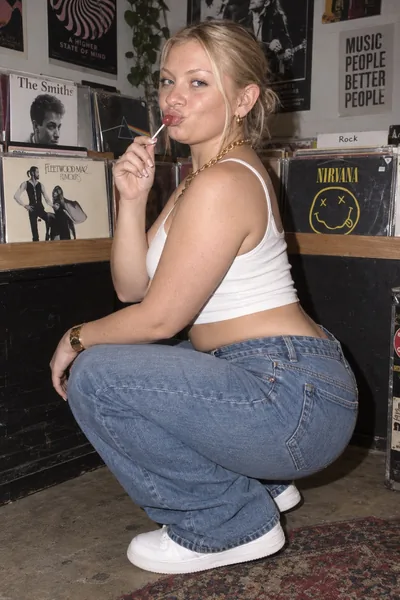 PHOTO SET
QUESTIONS
- How many images do I need for a character LoRA?
- 25–35 varied, sharp images are a good target. Quality and variety matter more than the number.
- Should the captions describe hair or eye colour?
- Usually not — the trigger word should carry the identity. If you do describe a trait, describe it the same way in every caption.
- What makes a good trigger word?
- A short made-up token that isn't a real word or name, such as mxl4ra, so the model doesn't confuse it with something it already knows.
- Which trainers accept this format?
- Images with a .txt caption of the same name work with most trainers, for example fal's Z-Image and Flux trainers, AI Toolkit and kohya.
Try it with your own character
Sculpting faces is free, and new accounts start with 6 free credits — enough for your first render.
Create free account