How to create a consistent AI character (face and body)
UPDATED 6 OCTOBER 2026
SHORT ANSWER
Fix the identity once, then vary everything else. Define the face and the body as reference images from several angles, and generate every new picture from those same references — not from a text description and not from the previous picture. Describe only what changes (place, outfit, light, pose), and throw away any image where the face drifts.
Why AI characters keep changing
A text prompt describes a type, not a person. "A woman in her thirties with auburn hair" fits millions of faces, so every generation picks a new one. Even with the same prompt and seed, a change of pose, framing or light is enough to shift the face.
Editing the last image again and again doesn't solve it either: every edit changes the face a little, and the small differences add up. After ten edits you have a relative, not the same person.
Full-body shots make it worse. The face is only a few dozen pixels high, so the model has little room for the details that make a face recognisable — eyes are the first thing to go.
Step 1 — Define the face once
- Create or choose one face and treat it as the master. Everything else is measured against it.
- Get it from three angles: front, three-quarter and profile. Plain background, soft and even light, neutral expression.
- Check that all three really show the same person — eye shape, nose, jawline and hairline should match.
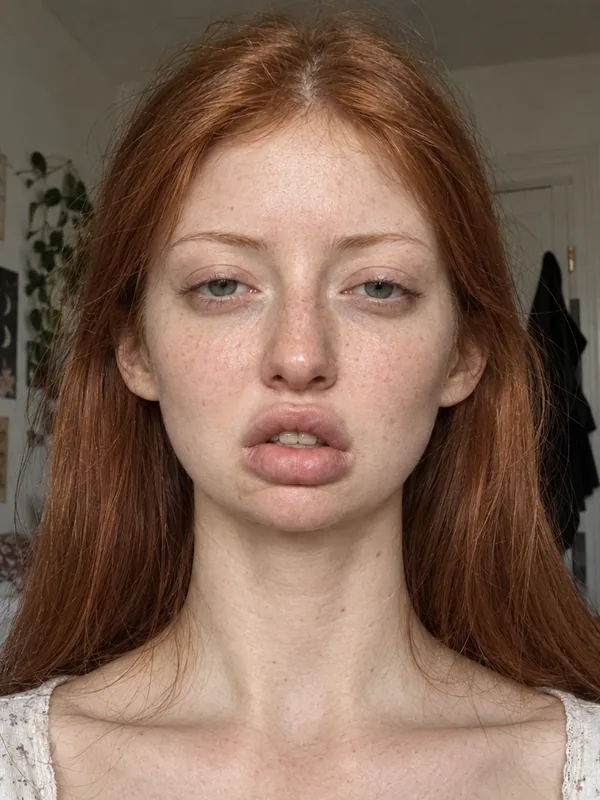 FRONT
FRONT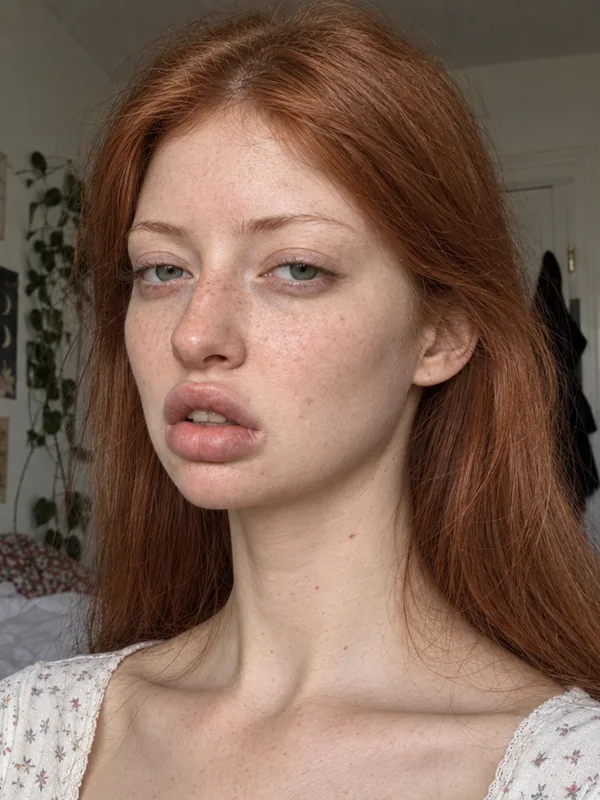 THREE-QUARTER
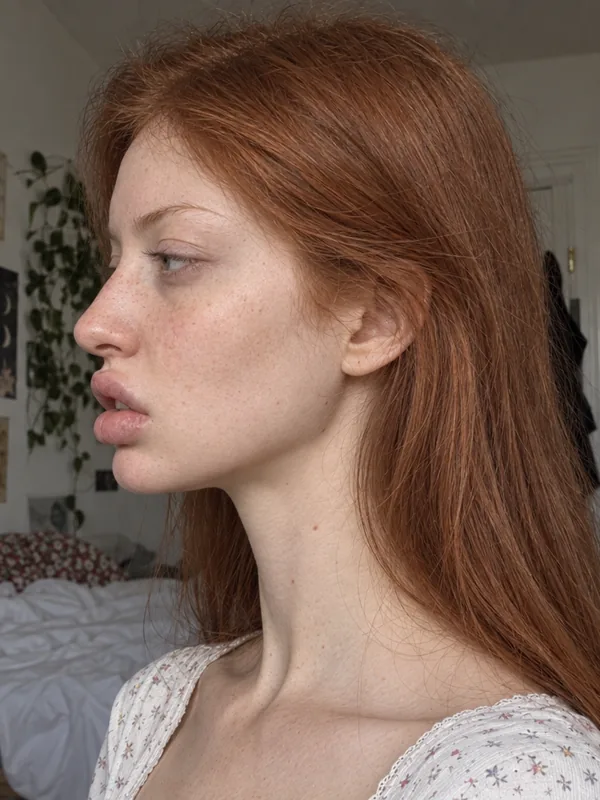 PROFILE
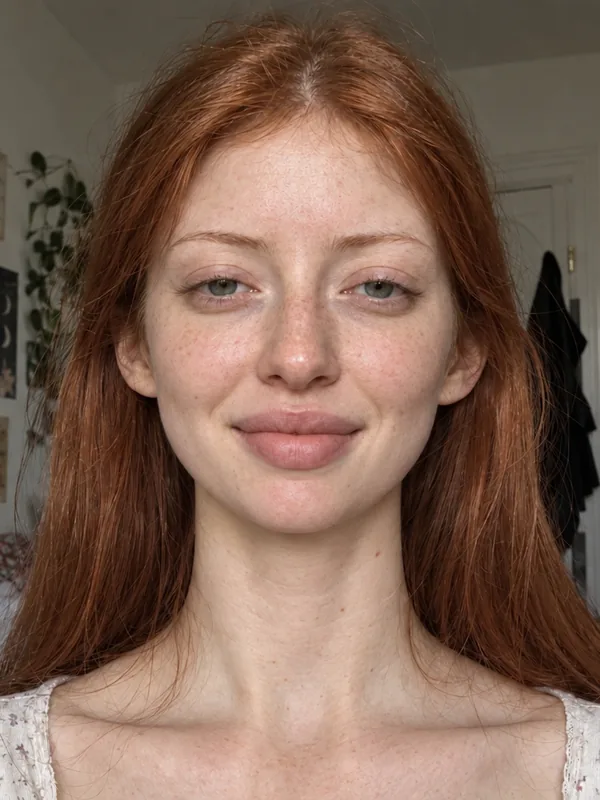 SMILING
Step 2 — Define the body once
- Decide build and height before you make any scene. Body shape drifts just like faces do.
- Keep references from the front, side and back, in a neutral standing pose.
- Use tight or simple clothing for the references so the shape is clear — the outfits come later.
Step 3 — Generate every image from the same references
- Give the model the same face and body references for every new image (image-to-image or multi-reference models do this well).
- Describe only what changes: the place, the outfit, the light, the pose and the expression.
- Never use the previous result as the reference for the next one — always go back to the masters.
- For full-body shots, include the body references; for close-ups, the face angles matter most.
Step 4 — Check and curate
- Compare every new image with the master face, ideally side by side at the same size.
- Reject images where the face or the build has drifted, even if they look good on their own.
- Keep variety in what you keep: different places, outfits and light, but always the same person.
Step 5 (optional) — Train a LoRA
Once you have 25–35 good, varied images, you can train a LoRA — a small add-on for an open model like Z-Image or Flux that has learned this one person. It lets you generate the character in any tool that supports the model. See our guide on building a LoRA training dataset.
How Facet does it
Facet is built around this method. In the Face Creator you sculpt the face in a 3D editor; it is stored as an exact set of parameters, so the same person can be rendered from any angle. In the Character Creator you pick a ready-made clay figure (free) or shape your own body, add the face — the missing angles are generated for you — and every photo of the set is made from the same body views and face angles, never from the previous photo.
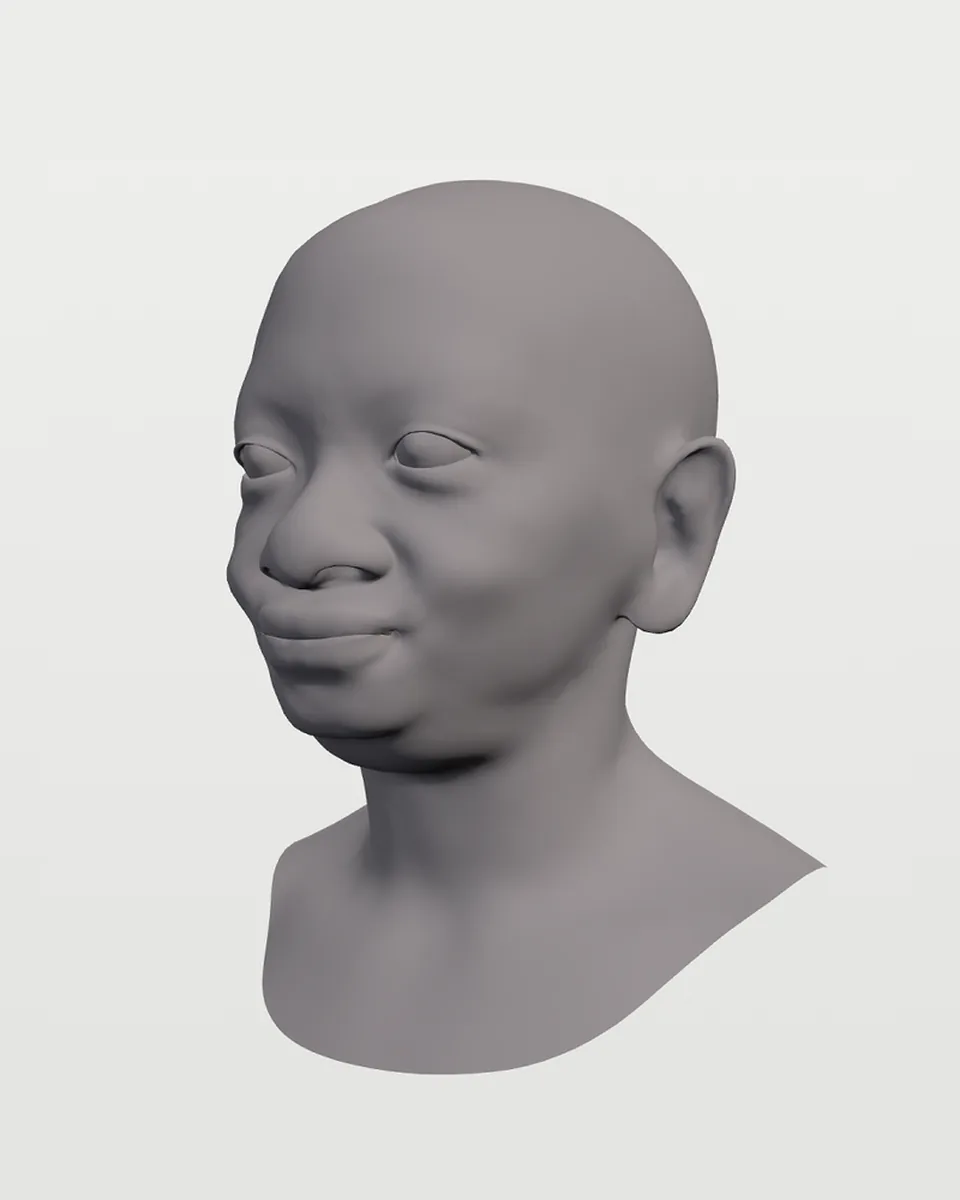 3D HEAD
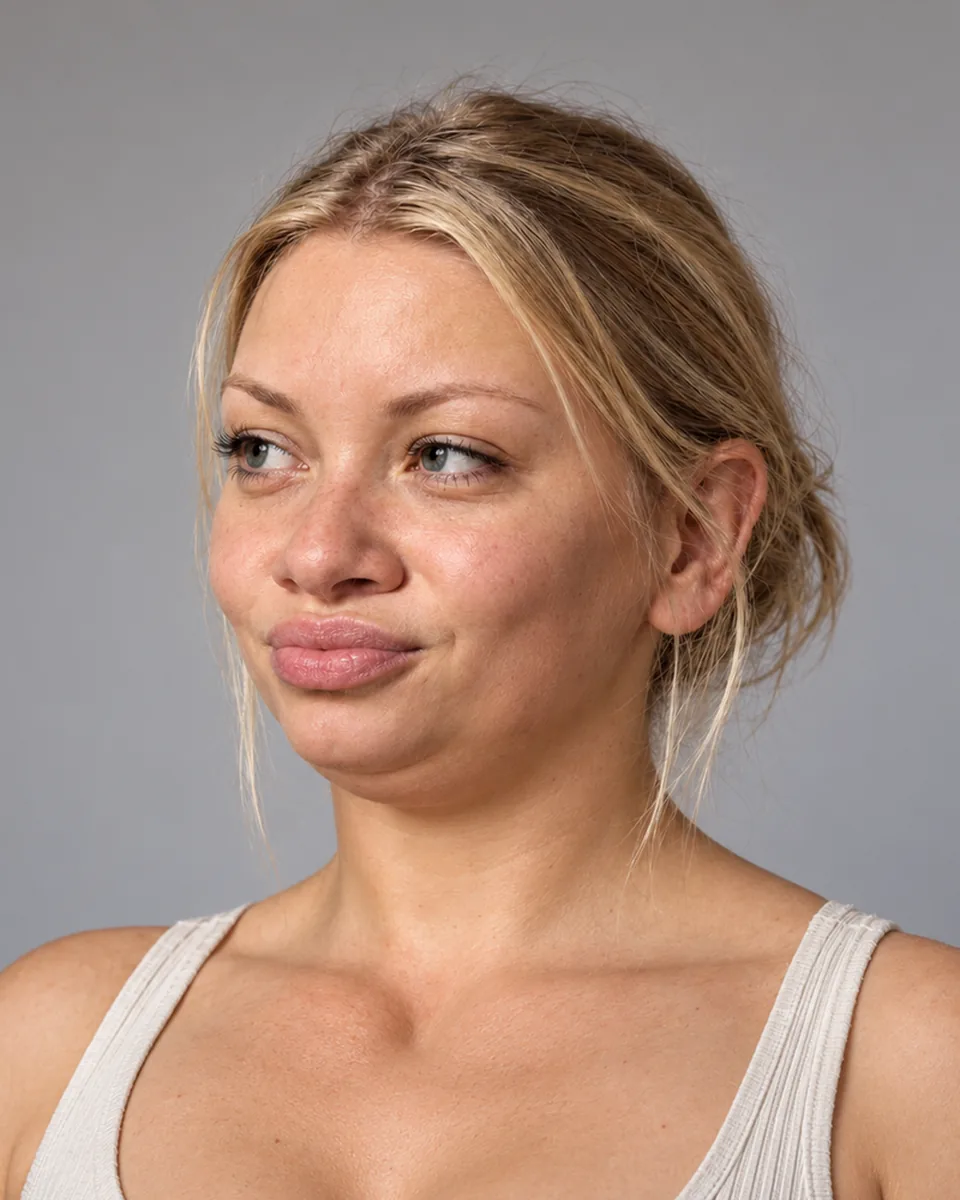 RENDERED FACE
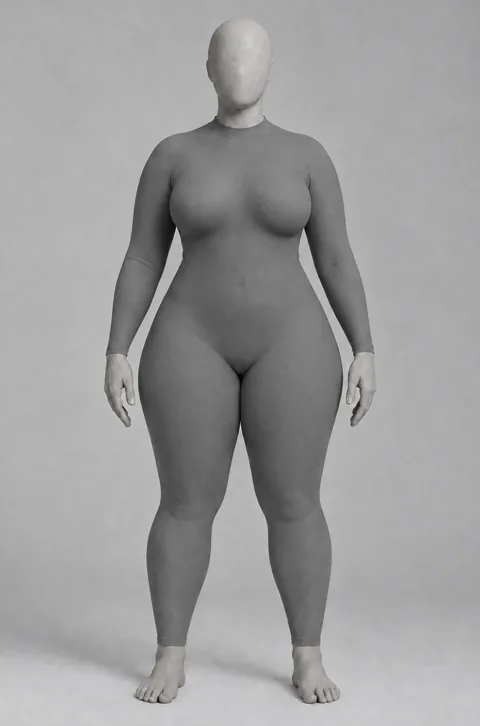 CLAY BODY
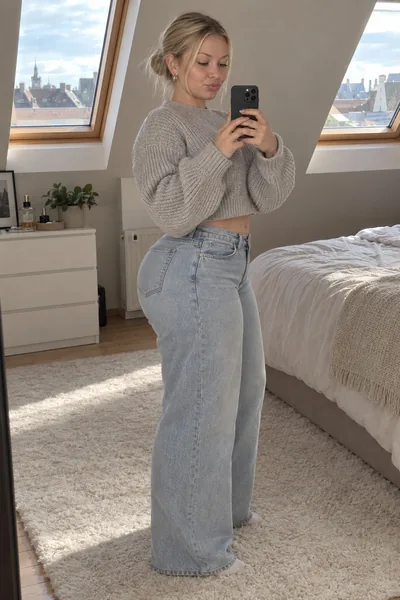 PHOTO SET
QUESTIONS
- Can I keep a character consistent with prompts alone?
- Only roughly. A prompt describes a type of person, so the face changes between images. Reference images of one fixed face and body are what keep it the same.
- Why does the face drift when I keep editing the last image?
- Every edit changes the face slightly, and the differences add up. Always generate from the original references instead of from the latest result.
- How many reference images do I need?
- Three face angles (front, three-quarter, profile) and three body views (front, side, back) are a good base.
- Do I need a LoRA for a consistent character?
- Not to start. Reference images already give consistent results. A LoRA helps when you want many images or want to use the character in other tools.
Try it with your own character
Sculpting faces is free, and new accounts start with 6 free credits — enough for your first render.
Create free account